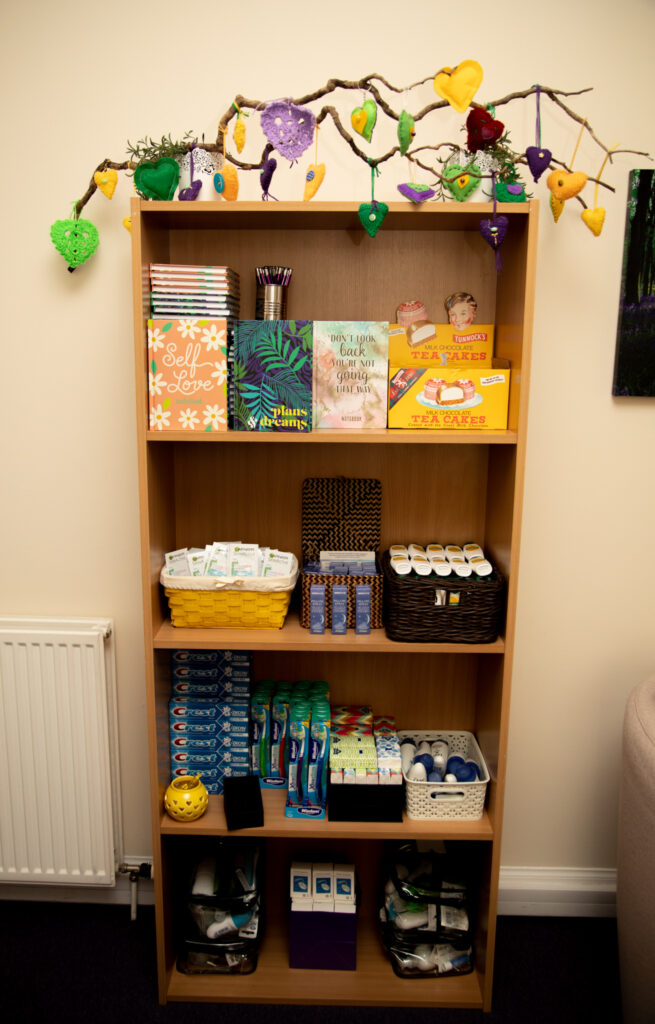
The First Step in your Recovery Process

LRCC offers emotional and practical support to women, and girls over the age of 12 years old, in relation to issues arising from all forms of sexual violence including rape, sexual assault and childhood sexual abuse.

We also provide information and support to family members. It doesn't matter whether it happened, yesterday or 30 years ago, we will still offer women help to heal.

You can access our service via a telephone helpline (01698 527003), which is staffed as frequently as resources allow. There is an out of hours answering machine available, and messages left will be answered within 24 hours with the caller's permission.

What can we do for you?

We will support you to:


Will I .... Won't I???

We understand the difficulties women have breaking their silence and we strive to provide an empathic, relaxing, comfortable environment where they can rebuild their sense of trust and regain control of their lives.

We look forward to working with you.

Using the Internet Safely

Using this site safely:
Are you worried that someone might find out you have visited this site? We hope that is not the case, but we understand that some users may have concerns.

If so, we want you to be able to use this site as safely as possible, covering your tracks, if necessary. If you are not alone when viewing this site e.g. at work or sharing the house with someone, the quickest way to hide the site is to close the window when someone enters the room.

There is a shortcut on your keyboard to enable you to do this quickly:
Windows – ALT key and F4
Apple Macintosh – Apple Key and W

After visiting this site:
Although it is not completely possible to eradicate your ‘footsteps’ whilst viewing web sites, there are ways in which you can reduce the possibility of people knowing where you have been on the Internet. The following steps will take you through the process of deleting temporary files automatically stored on your computer when you visit a site and the computer’s history store, that allows you to view where someone has been that day or week.

Even if this works, the fact you have done this may be noticed by whoever normally uses your computer. So if you are worried this may not be 100 per cent effective, the safest way to find information on the internet, might be at a local library, a friend's house, or at work if you feel it is less important to ‘cover your tracks’ on a different computer.

These instructions are for Microsoft Internet Explorer. Netscape Navigator and other Browsers will have their own settings and they should allow the information to be deleted in a similar way.

  • Click on the Tools button on the Internet Explorer tool bar.


  • Highlight and click on Internet Options at the bottom of the Tools menu.


  • Select the General tab.


  • Within the Temporary Internet Files section, click Delete Files button.


  • Click OK to delete all files in the Temporary Internet Files.


  • This may take a little while if there are a few files to delete.


  • Click the ok button and exit window.


  • Within the History section, click Clear History button.


  • Click Yes, you want Windows to delete your history of visited sites.


LRCC is a charitable company limited by guarantee registered in Scotland, No 297711. Registered Office: Brandon House Business Centre, 23-25 Brandon Street, Hamilton ML3 6DA.
Recognised by the Inland Revenue as a Scottish Charity, No: SC 036410


Thank you to Rape Crisis Scotland for providing the information about using the internet safely.

Useful links:

Rape Crisis Scotland

Sexual Health